The List Price is the suggested retail price of a new product as provided by a manufacturer, supplier, or seller. Except for books, Amazon will display a List Price if the product was purchased by customers on Amazon or offered by other retailers at or above the List Price in at least the past 90 days. List prices may not necessarily reflect the product’s prevailing market price.
| Brand | SAMSUNG |
| Screen Size | 34 Inches |
| Resolution | QHD Wide 1440p |
| Aspect Ratio | 21:9 |
| Screen Surface Description | Matte |
About this item
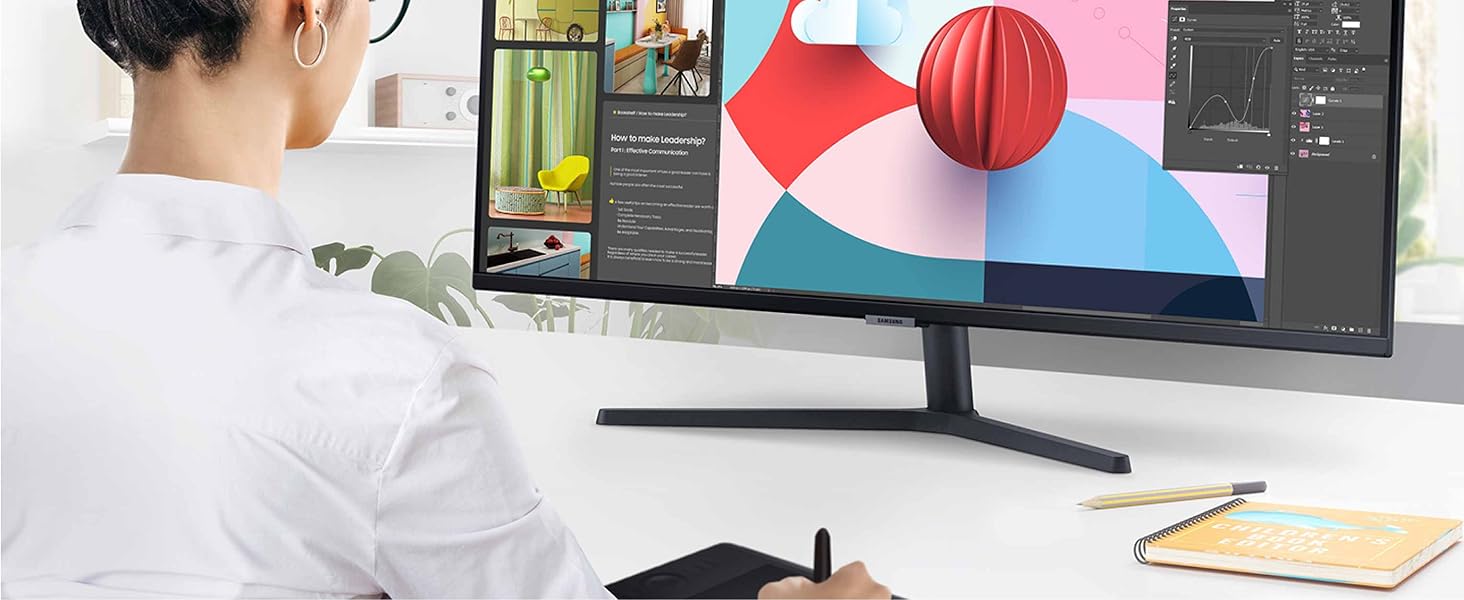
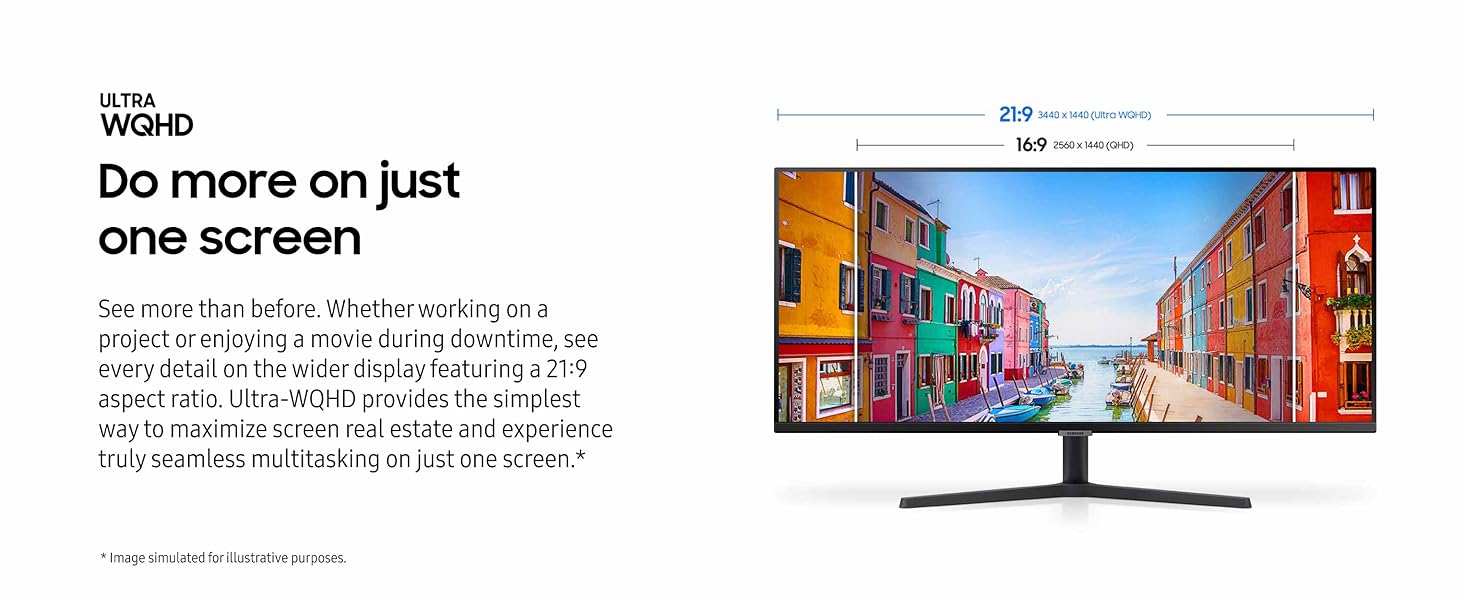
- DO MORE ON ONE SCREEN: See every detail on the wider display featuring a 21:9 aspect ratio; Ultra WQHD provides the simplest way to maximize screen real estate and experience truly seamless multitasking on just one screen. Brightness (Typical) : 300 cd/㎡. Static Contrast Ratio 3000:1.
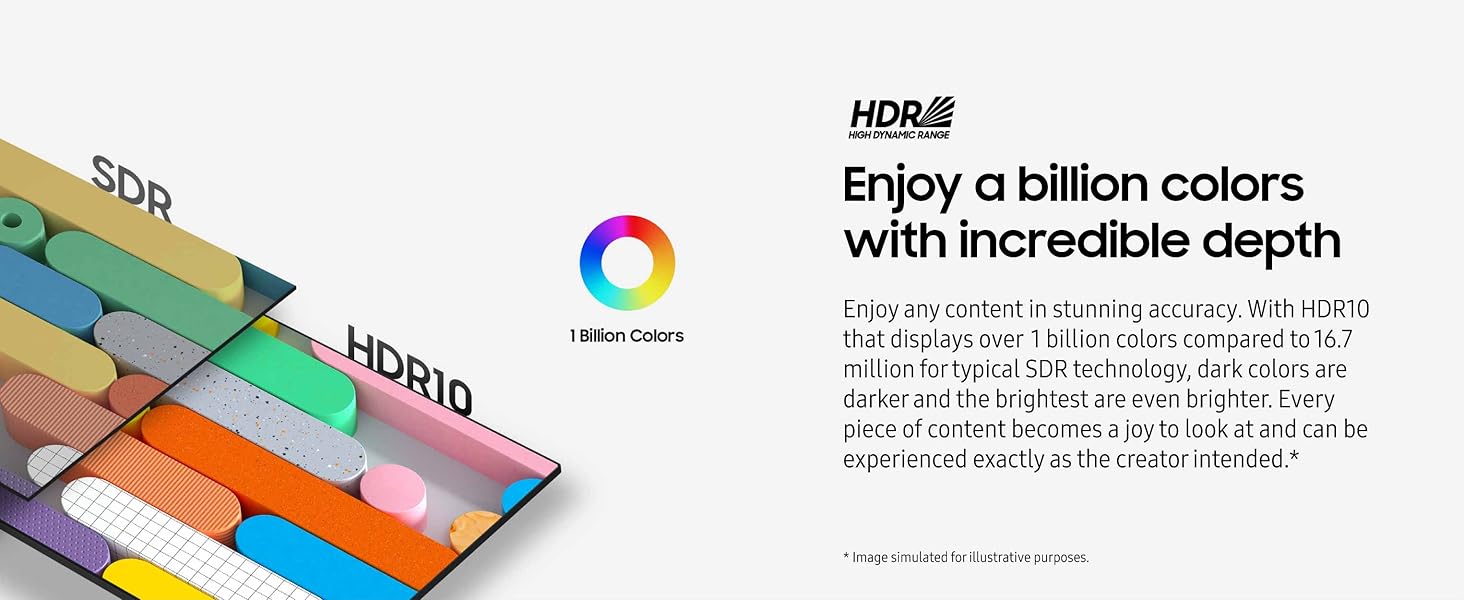
- ENJOY A BILLION COLORS W/ INCREDIBLE DEPTH: With HDR10 that displays over 1 billion colors compared to 16.7 million for typical SDR technology, dark colors are darker and the brightest are even brighter; Content is experienced as the creator intended
- CARE FOR YOUR EYES DAY and NIGHT: An ambient light sensor on the monitor detects lighting in your workstation and automatically adjusts brightness; Eye Saver Mode minimizes excessive blue light, and Flicker Free relieves eye strain
- SEE CONTENT SMOOTHER, EVEN GAMING: A faster than average refresh rate updates the image on screen more often every second; 100Hz refresh rate reduces lag and motion blur when playing games, watching videos, or working on design projects
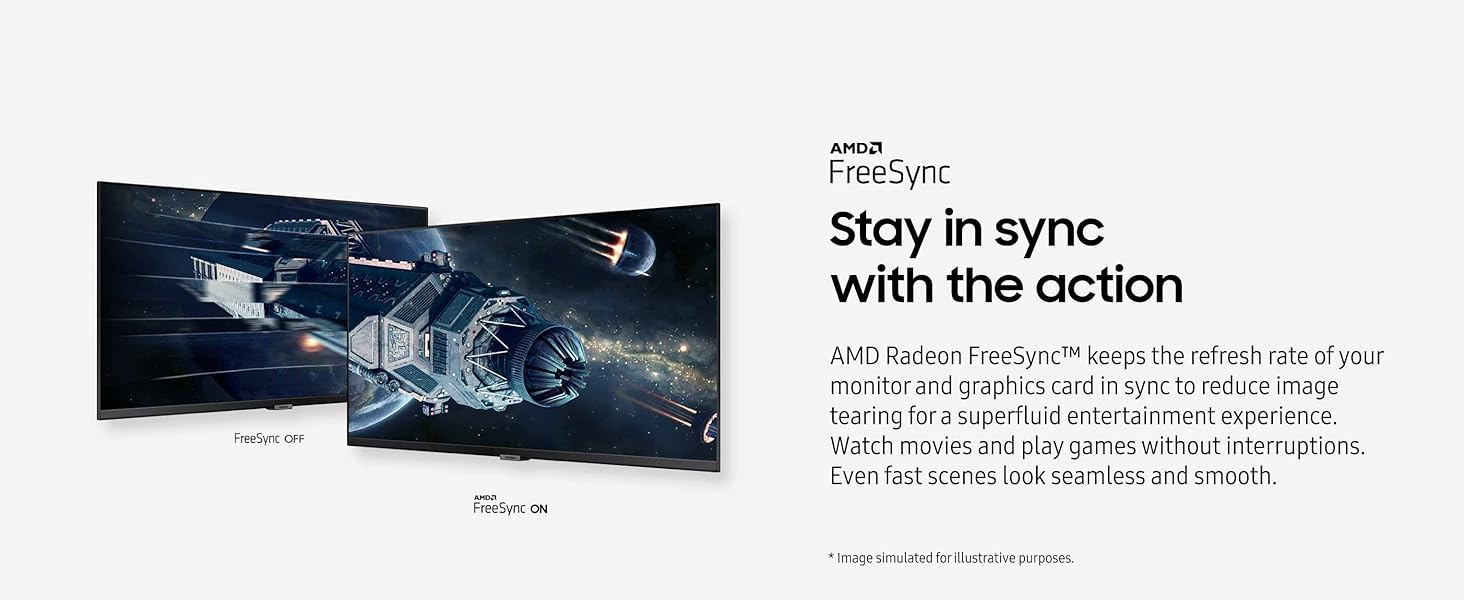
- STAY IN SYNC WITH THE ACTION: AMD Radeon Free Sync keeps the refresh rate of your monitor and graphics card in sync to reduce image tearing for a superfluid entertainment experience; Watch movies and play games without interruptions
- 2 x HDMI 2.2 INPUTS plus 1 x DISPLAYPORT 1.2 INPUTS: With PBP, view input from 2 simultaneous sources at native resolution, so you can review 2 projects or run 2 programs; Use PIP to resize a 2nd source and work on 1 task while monitoring another
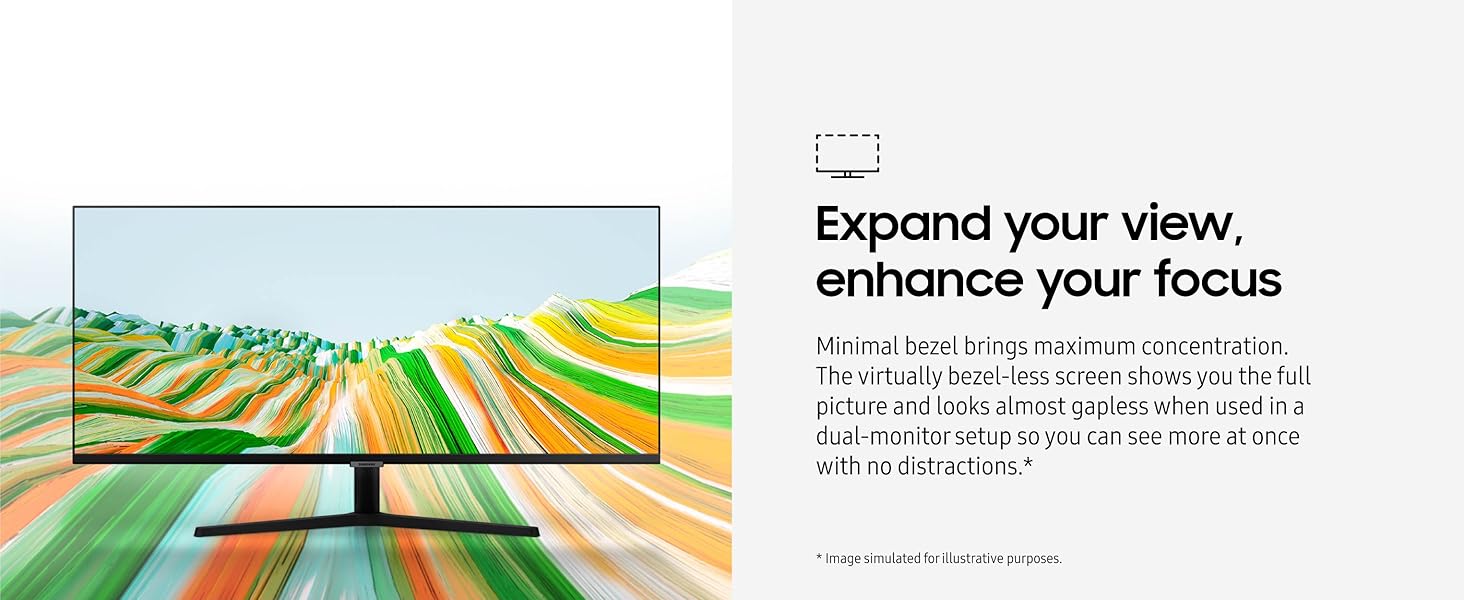
- EXPAND YOUR VIEW, ENHANCE YOUR FOCUS: Minimal bezel brings maximum concentration; The virtually bezel free screen shows you the full picture and looks almost gapless when used in a dual monitor setup so you can see more at once with no distractions.
-
Product voltage: 110
This product is compatible with outlets that support 110 volts and might require a converter when used outside of the United States.
Product information
Warranty & Support
Manufacturer’s warranty can be requested from customer service. Click here to make a request to customer service.
From the manufacturer


From the brand

-

-
What’s in the box
- HDMI Cable
- DisplayPort Cable
- Power Cable
Product Description
Samsung’s 34″ View Finity S50GC offers a wider workspace featuring a 21:9 ratio and lifelike detail with Ultra-WQHD resolution. AMD Free Sync™ and 100Hz refresh rate allow an ultra-smooth user experience. Avoid eyestrain with TUV-certified Intelligent Eye Care that automatically adjusts brightness. *Actual specifications may vary depending on PC environment or programs used.
Top reviews from the United States
-
Stephanie C.
Reviewed in the United States on July 5, 2024
Color: White Size: 34-in Curved Style: 21:9 + Built in Speakers Pattern: + Thunderbolt
-